Back to the blog

How a wedding coordinator collects guest photos in one evening

Five lines for your timeline, a script for the MC and what to tell the couple at the send-off, so they get photos from the tables they never reached.

By Jan Szotkowski · May 18, 2026 · 3 min read

Three weeks after the wedding, the newlyweds will ask you whether anyone took photos of the tables they never got to. You can have the answer by the time they leave, if guest photos get a slot in the timeline just like the first dance.

In short

  • Put cards with the QR code on every table and one at the bar.
  • The MC mentions the gallery after the welcome and brings it up only once more, before the last song.
  • Between courses, check guest activity, and when the couple leaves, tell them what you saw.

Five lines for the timeline

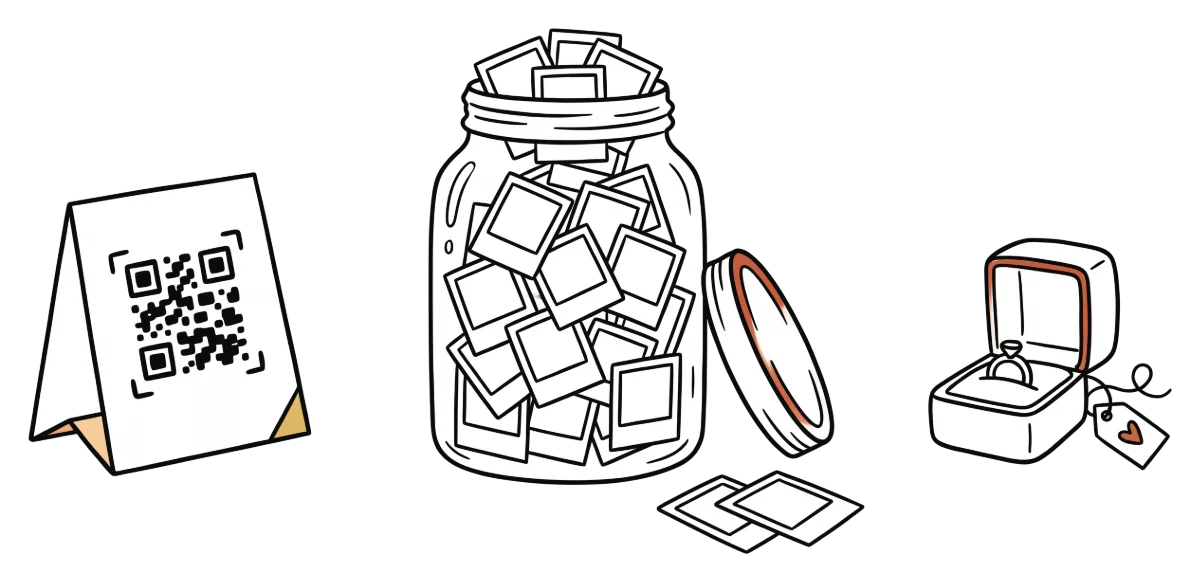
  1. Room setup. Put a card on every table and one at the bar. At the table guests have the card in front of them all evening, and at the bar they're waiting for drinks anyway, so they have a moment to scan the code.
  2. After the welcome. The MC briefly mentions the gallery while everyone is still seated and listening.
  3. Between courses. Check guest activity to see whether photos are coming in. It's one of the few moments when the caterers don't need anything from you.
  4. Before the last song. The MC brings up the QR code one more time and then never again, because a third mention sounds like an ad and guests tune it out.
  5. The couple's send-off. When you hand the couple their gifts and sort out their ride, add a minute for the guest gallery.

Tip: Before the wedding, ask the couple whether they have Premium. The free plan has a 50-photo limit, and that's not enough for a wedding with a hundred guests.

What the MC says

Send the MC three short sentences written ahead of time, because an improvised announcement easily runs long, and halfway through nobody is listening anymore.

"Got a photo from today that turned out great? Scan the QR code on the card at your table and it goes straight into the newlyweds' gallery. You don't need to install anything."

For exactly where to set the cards, see the article on QR code placement.

What if guests aren't uploading?

Is guest activity still empty an hour after the announcement? Check whether decorations or menus are covering the cards. If the cards are easy to see, have the MC give that one reminder earlier.

Only some guests will upload photos, even when everything works. Almost every wedding has a cousin with forty photos and a table that sends none. Tell the couple ahead of time, so a half-empty feed doesn't worry them that evening.

What to promise the couple at the send-off

Promise a gallery that's ready and that guests have heard about. When you see the couple off, tell them:

  • How many guests joined and how many photos are already in the gallery.
  • How long guests can keep uploading. On the free plan they have 2 days, so even photos from breakfast the next morning make it in, and on Premium they have 7.
  • That the photographer's gallery comes separately, and the guests fill in what the photographer missed, like the kids on the dance floor.

Before you offer this to your first couple, create a free test event and scan your own QR code. Once you see your photo in the gallery, you'll be able to explain it to the MC in one sentence.

Create a free gallerydone in 1 minute

Common questions

After the welcome or just before the first course, when guests are seated and listening. Don't announce anything during the ceremony, especially if the photographer has asked guests to keep their phones in their pockets.

Yes, if the coordinator creates the event under their own account or is signed in to the couple's account. The newlyweds spend the time between courses going from table to table, so agree with them in advance on who will keep an eye on guest activity that evening.

On the free plan, 2 days: the wedding day and the whole day after. On Premium they have 7 days, and you can extend uploads by 7, 14 or 30 days.

The photos from your next event don't have to stay stuck on guests' phones.

Setup takes a minute. Guests get a QR or link, no app, no chase afterwards.

Create your gallery free

Guests need no app · Set up in 1 minute