Back to the blog

Free QR code photo gallery for your wedding: what it covers

What the free plan gives you, where its limits of 50 photos and 2 days end and when to switch your wedding to Premium. Guests need no app.

By Jan Szotkowski · October 30, 2026 · 3 min read
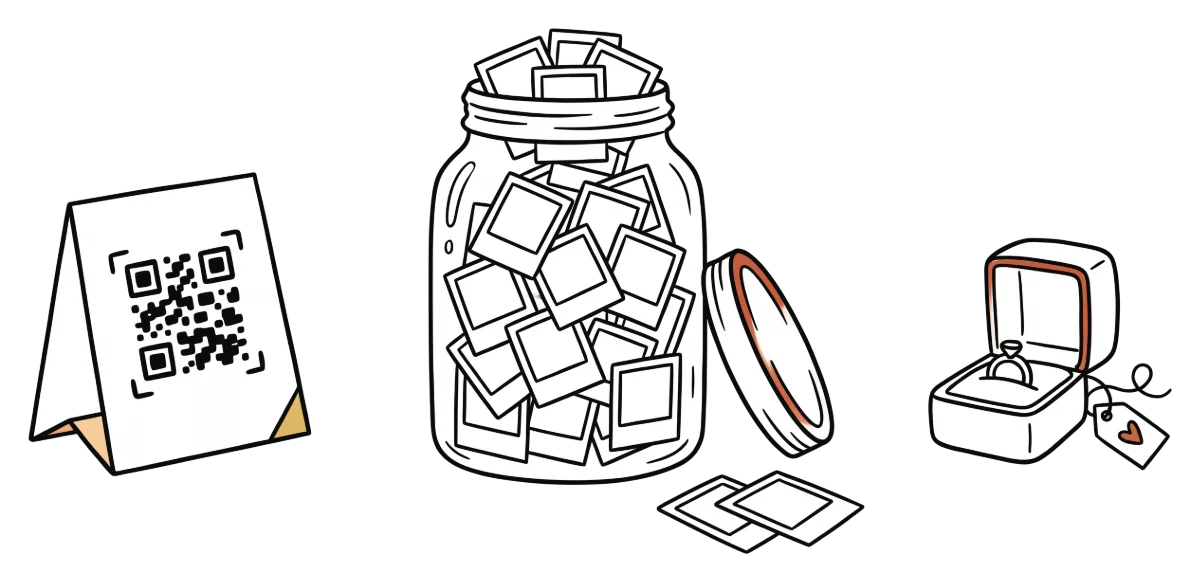
The wedding is two months away, the budget is spent down to the last penny and nothing is left for guest photos. You can set up a QR code photo gallery for free, but it helps to know up front where the free plan stops.

In short

  • On the free plan guests upload photos through a QR code just like on Premium: they scan the code, type their name and install nothing.
  • All guests together can upload only 50 photos, though, and they have 2 days to do it. That's enough for a small celebration, not for a wedding with a hundred guests.
  • Start for free and switch the same event to Premium once you know your guest count. The guest link stays the same.

What you get for free

A gallery, a QR code and the page where guests upload. Guests scan the code with their phone camera, type their name and pick their photos. They upload in the browser, so they don't need to download an app or create an account.

You download the QR code as an image and print it on cards for the tables. Then you find every photo in one gallery and download them all in a single ZIP. Every account gets one event for free.

Where the free plan stops

FreePremium
Photos50 per eventunlimited
Upload window2 days7 days, can be extended
Videosnoyes
Udalist watermarkyesno
Gallery PINnoyes

The photo count is the first limit you'll hit. A wedding produces fifty photos in a few minutes, say during the bouquet toss, and after that no other guest can upload anything. Two days means the wedding day and the whole day after. Most guests make it, but anyone who goes through their photos at the weekend is too late.

When the free plan is enough

For an intimate ceremony with family, an engagement party or a hen do, fifty photos are usually enough, because only a few people take pictures. For a wedding where every table is taking photos, go for Premium. You pay once per event and nothing renews on its own. The price is on the pricing page.

Tip: Create the gallery for the wedding date straight away, because you get one free event per account. If you switch to Premium later, the guest link doesn't change, so the cards with the QR code can go to the printer right now.

What to tell guests at the welcome and where to put the code so they really upload is covered in the wedding guide.

Create your free gallery and test the QR code on your own phone before the menus and place cards go to the printer. It takes about a minute.

Create a free gallerydone in 1 minute

Common questions

Yes. Every account gets one free event, and guests upload photos there just as they do on Premium, only with a limit of 50 photos and 2 days to upload.

50 photos for the whole event, shared by all guests. They can upload on the day of the event and the whole day after.

No. You pay for Premium once per event and nothing renews on its own.

The photos from your next event don't have to stay stuck on guests' phones.

Setup takes a minute. Guests get a QR or link, no app, no chase afterwards.

Create your gallery free

Guests need no app · Set up in 1 minute