A wedding photo app your guests don't have to install
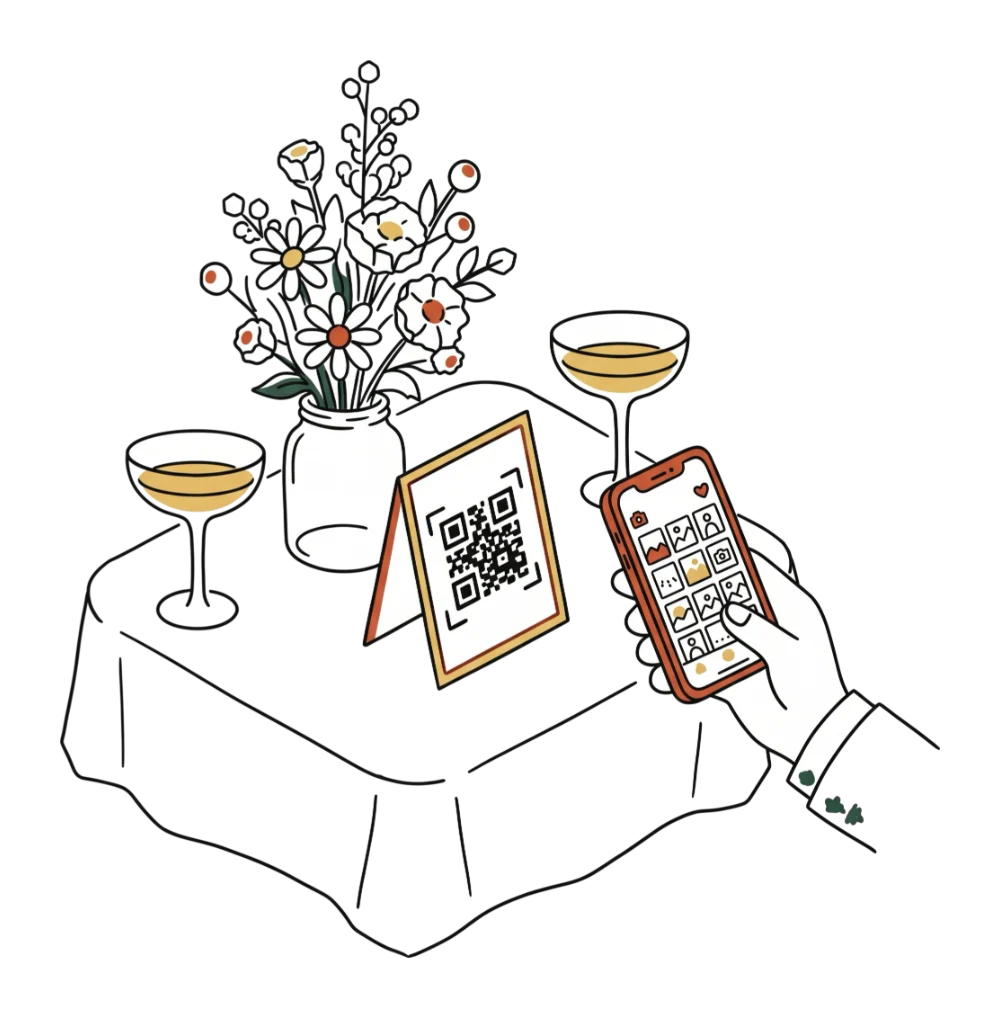
Guests scan a QR code on the table and upload photos with no app. What to say at the welcome, why the free plan isn't enough and how to download them all.
By Jan Szotkowski · May 4, 2026 · 3 min read
Updated October 23, 2026
Common questions
No, the photographer covers the ceremony and the portraits. With Udalist, guests add what one person with a camera can't catch: the toast from every corner of the room, or the table you never made it to all evening.
No. They scan the QR code with their phone's camera, type a name and upload photos right in the browser.
The group goes quiet within a few days, and a month later nobody can find the shot of the cake cutting. A separate comparison explains why Google Drive doesn't work for guest photos either.
More articles
September 13, 2026 · 3 min read
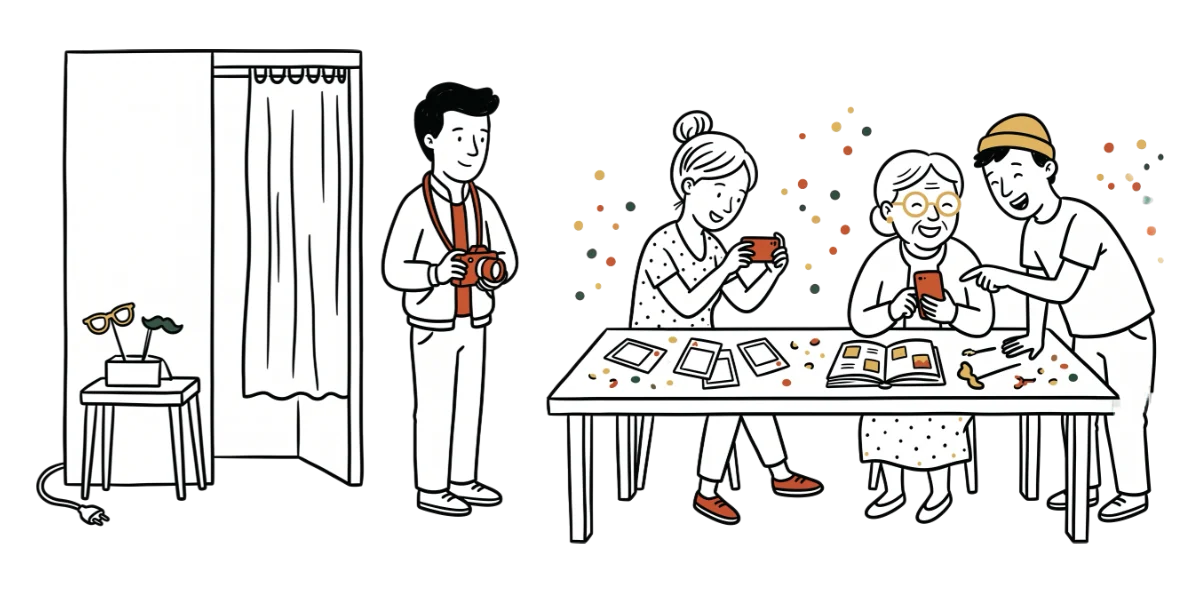
Wedding photo booth: how to get photos of the whole evening too
What a wedding photo booth costs, what you get for the money and how to use a QR code to collect the photos guests take all over the venue.

May 18, 2026 · 3 min read
How a wedding coordinator collects guest photos in one evening
Five lines for your timeline, a script for the MC and what to tell the couple at the send-off, so they get photos from the tables they never reached.
October 23, 2026 · 3 min read
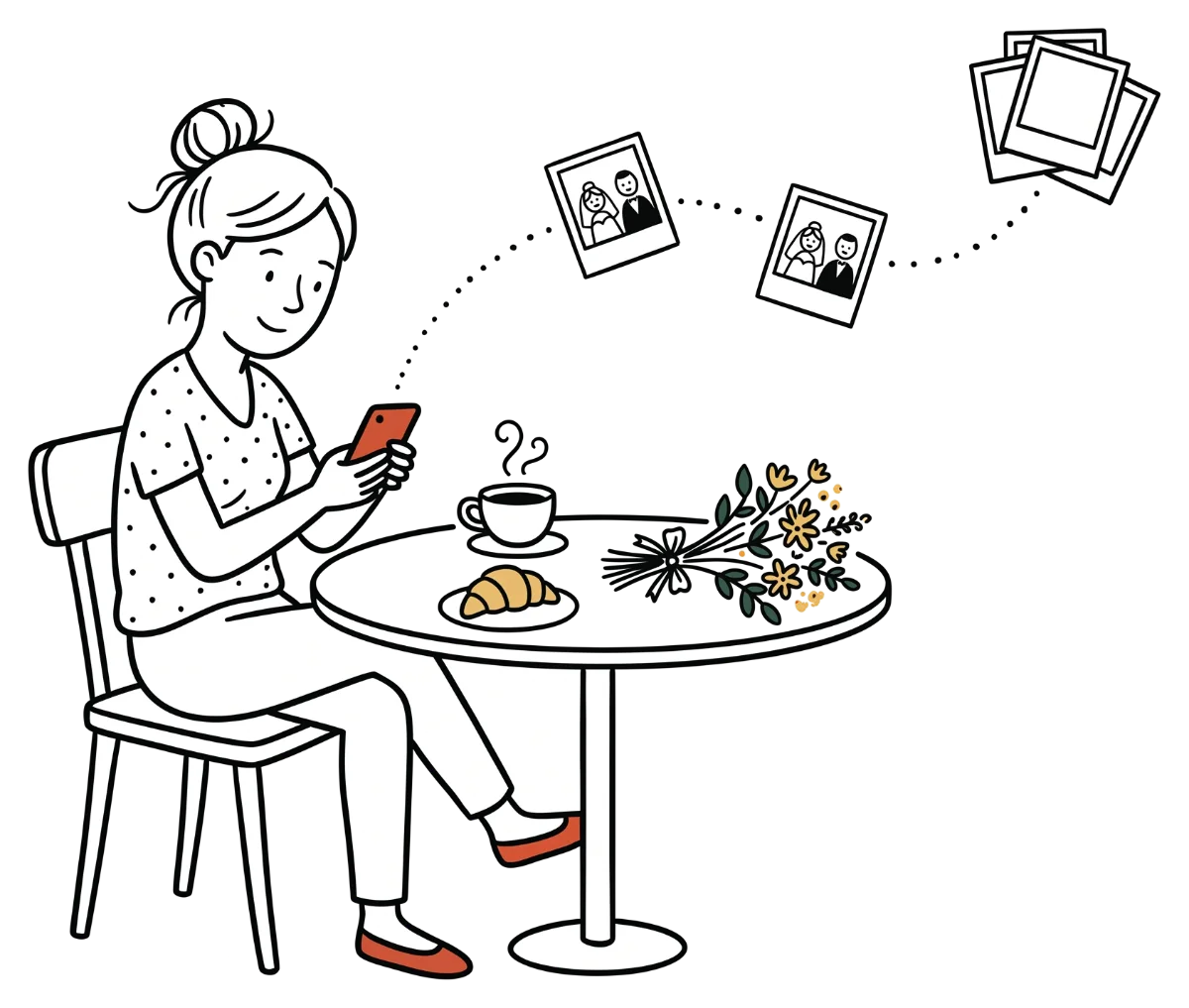
How to collect guest photos after the wedding
The wedding is over, but the best photos are still on guests' phones. Create a gallery, send one link to the group chat and get every photo in full resolution.

The photos from your next event don't have to stay stuck on guests' phones.
Setup takes a minute. Guests get a QR or link, no app, no chase afterwards.
Guests need no app · Set up in 1 minute