Back to the blog

Shared Google Photos album or a QR code gallery?

Only guests with an account can add photos to a shared Google Photos or iCloud album. Compared with a gallery guests upload to with no app or account.

By Jan Szotkowski · October 23, 2026 · 3 min read
You send a link to a shared album to the wedding group chat, and the next day it holds photos from three people who happen to have the same phone as you. Here's why that happens and when it's better to give guests a QR code to a gallery they can upload to without an account.

In short

  • Only guests who sign in with a Google account can add photos to a shared Google Photos album.
  • Guests with Android can't add anything to a shared iCloud album.
  • When people at your event use all kinds of phones, give them a QR code to a gallery where they upload photos in the browser, with no account.

Who can add photos to a Google Photos album?

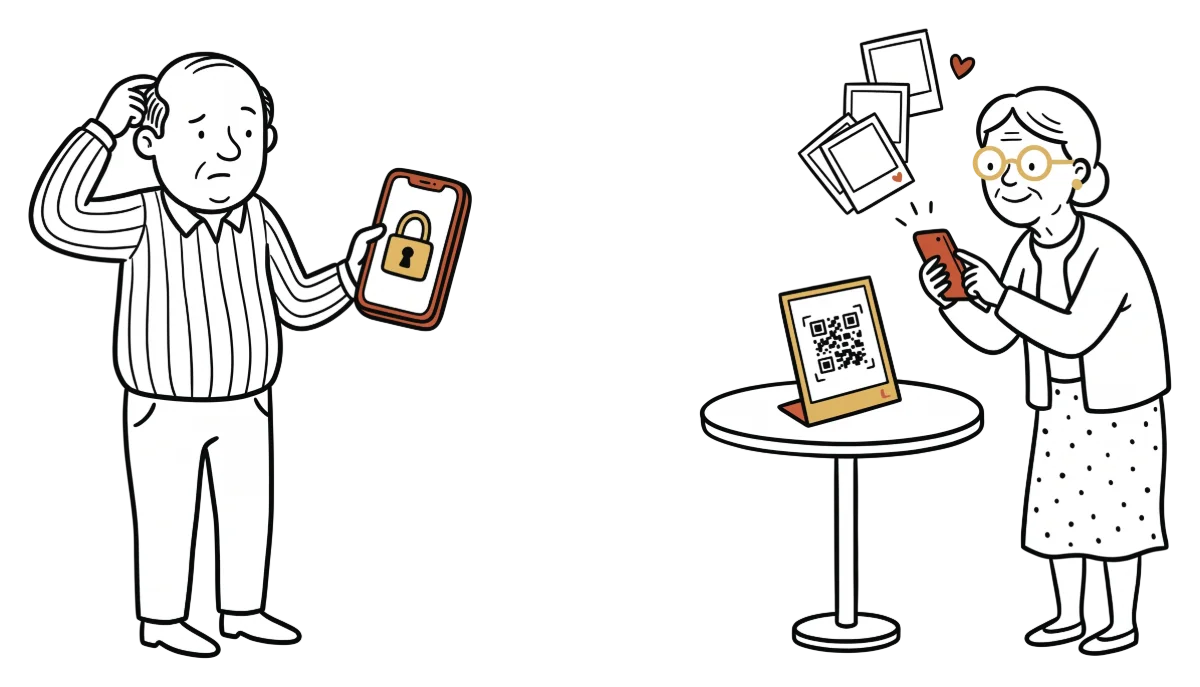
Anyone with the link can view the album. Only people who sign in with a Google account can add photos, though. Almost everyone on Android has one, but a guest on an iPhone may not, or can't remember the password at the table. And anyone asked to sign in halfway through the evening thinks "I'll send them tomorrow".

For family or a group of friends who all know each other and have a Google account, the album works well. At a wedding with a hundred guests from every corner of the family, you'll be missing photos from some of them.

Why isn't a shared iCloud album enough?

iPhone owners have it right in their Photos app, so it's convenient for them. A guest with Android can only open it through a web link and can't add anything.

Shared album (Google Photos, iCloud)Udalist gallery
What a guest needsa Google account, for iCloud an iPhone and an Apple IDa phone with a browser and their name
Guests with a different phoneAndroid users can't add to iCloudiPhone and Android upload the same way
When it's enoughfamily and friends who all have that accountweddings, balls, corporate events

When to give guests a QR code

A QR code works best at events where not all the guests know each other and everyone has a different phone. A guest scans it, types their name and uploads photos in the browser. They don't install anything or sign in anywhere, so even grandma can do it. After the event, you download all the originals in one ZIP.

The free plan has a limit of 50 photos. That's enough for a small birthday, but not for a wedding with a hundred guests, where Premium with unlimited photos and videos is worth it. Why a WhatsApp group or a Drive folder doesn't work for guest photos either is covered in a separate comparison.

You can set up an event in about a minute and have the QR code for the tables right away. Try it for free.

Create a free gallerydone in 1 minute

Common questions

No. Without an account they can only view the album. They can add photos once they sign in with a Google account.

No. They scan the QR code, type their name and upload photos in their phone's browser.

The photos from your next event don't have to stay stuck on guests' phones.

Setup takes a minute. Guests get a QR or link, no app, no chase afterwards.

Create your gallery free

Guests need no app · Set up in 1 minute