Back to the blog

Collecting company event photos: what to tell HR and leadership

One QR code instead of a shared folder, a ready-to-send internal email, answers for HR and two sentences for leadership after the event.

By Jan Szotkowski · May 21, 2026 · 3 min read
The best photos from the company party are usually on a coworker's phone, and by Monday they've forgotten all about them. Here's how to collect them with one QR code and what to tell HR and leadership.

In short

  • Put the QR code at registration and on the screen. Coworkers scan it and upload photos in the browser, so they don't need an app or a company account.
  • Send a short email the day before, so people recognize the code when they see it.
  • After the event, tell leadership how many coworkers uploaded photos. Leave out the names, so it doesn't turn into a contest between departments.

Give people a QR code instead of a shared folder

A shared folder on the company drive works until a contractor shows up, or a new hire who started last week and doesn't have access yet. With a QR code you don't have to set up access for anyone, because the contractor and the CEO both upload photos right in the browser.

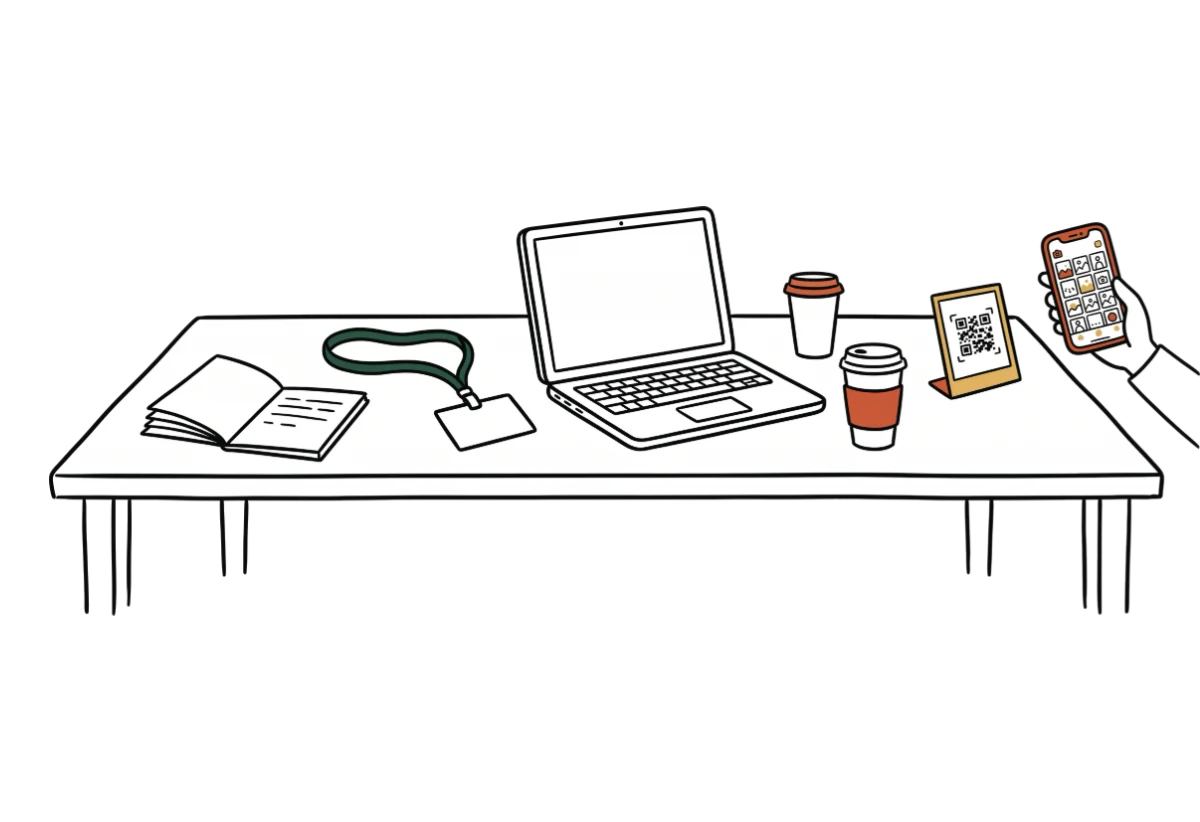
Put the code on the registration desk and on the screen. At registration people spend a minute in line for their name badge, so they have time to scan it. And during the opening remarks everyone looks at the screen, including the people who missed registration.

Send a short email the day before

When people know ahead of time what the code is for, they won't ask about it at registration and will scan it right away. You can copy this text:

At the party you'll see a QR code at registration and on the screen. Scan it, type your name (your first name is fine) and upload what you've taken. There's nothing to install and you don't need an account. Then you'll see everyone's photos in one gallery. Nobody has to upload anything, of course, but we'll appreciate every photo.

Don't leave out the last sentence, because nobody should feel their photos are being tallied like attendance.

What to tell HR

HR will ask what's being collected about people, and they're right to ask. You can forward these answers, but they aren't legal advice, so check them against your company's internal policy.

  • Guests enter only a name, and a nickname is fine. They don't enter an email or a phone number.
  • Udalist gets only the photos a guest picks. It can't reach their contacts or their other photos.
  • Only the organizer sees who uploaded what. Coworkers in the gallery don't.
  • Photos are stored on servers in the EU, and the gallery deletes itself on the date shown in the event details. If you ask, we'll delete it sooner. Details are on the security page.

What to send leadership after the event

Leadership wants to know whether people took part. In the guest activity feed you can count by name how many coworkers uploaded photos, and two sentences are enough for the presentation:

[Number] coworkers uploaded photos to the gallery. We have them all in one ZIP, so we can put them on the intranet.

Leave names and team rankings out of the presentation. If you turn the feed into a contest between departments, people won't send you photos next time.

Try it first at a team breakfast, so by the holiday party you'll already know what to tell your coworkers. You can set up an event in about a minute: create one for free.

Create a free gallerydone in 1 minute

Common questions

No. They scan the QR code, type a name and upload photos in their phone's browser, so even contractors without company access can do it.

One event is free, with a 50-photo limit and a Udalist watermark. That's enough for a trial run with your team. For a company-wide party, Premium is the better fit, and you pay for it once per event.

Yes, the guest page opens in the phone's language and supports seven languages, including English, German and Polish. So one QR code works for every office.

The photos from your next event don't have to stay stuck on guests' phones.

Setup takes a minute. Guests get a QR or link, no app, no chase afterwards.

Create your gallery free

Guests need no app · Set up in 1 minute